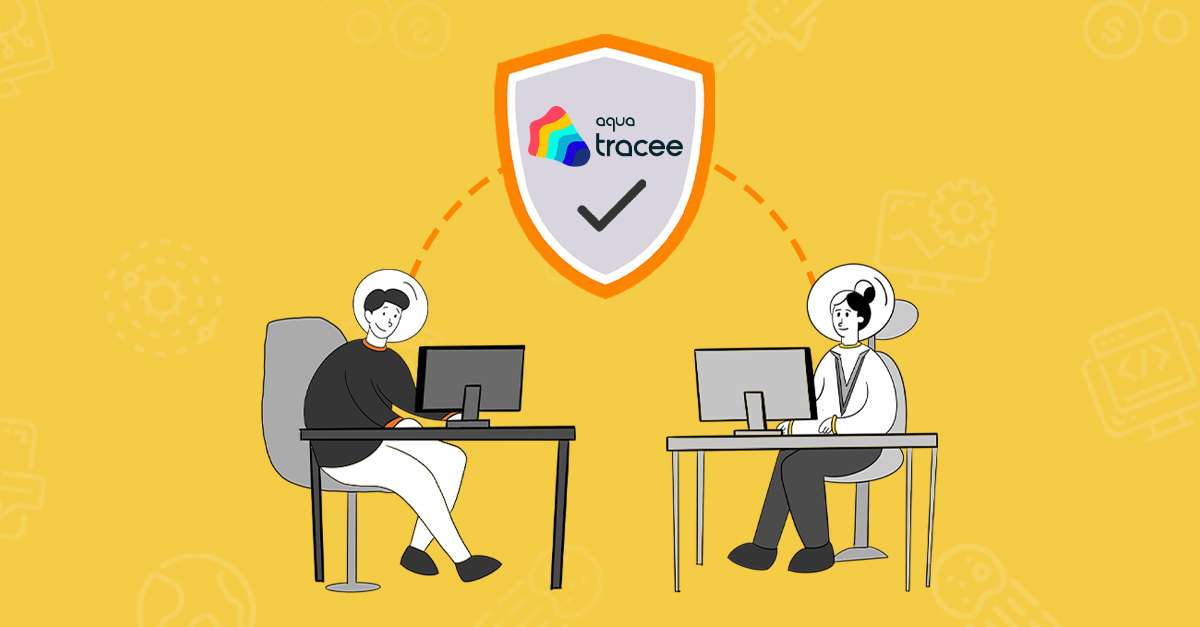
Aqua Tracee is a security tool that helps you watch over your Linux systems. It uses a technology called eBPF to look closely at your system’s activity, spotting both familiar and new types of attacks. Tracee shows you real-time information about what’s happening in your system, from basic activities to more complex security threats, making it easier to understand and address any issues.
With Aqua Tracee, you can see exactly how your applications and systems are behaving. It constantly monitors events like program actions and network traffic, giving you a complete picture of your system’s health and security. This way, you can quickly find and deal with any unusual or suspicious activities before they become big problems.
Aqua Tracee works really well with Kubernetes, a system that manages your applications across many nodes. When you set up Tracee, it runs on each node in your cluster, keeping an eye on everything. This helps you maintain strong security across your entire setup without slowing things down.
What is eBPF
eBPF (extended Berkeley Packet Filter) is a technology inside the Linux kernel that allows you to run small programs directly within the core of your operating system. This lets you monitor and control various system activities, like network traffic and performance, without slowing things down. Originally designed for network filtering, eBPF is now used for many tasks, making it a powerful tool for getting detailed insights into how your system operates.
What makes eBPF so powerful is that it can run these programs very efficiently, meaning it doesn’t slow down your system or applications. This lets you get detailed and real-time insights
into your system’s operations. Whether you’re looking to troubleshoot issues, improve performance, or enhance security, eBPF provides a flexible and effective way to understand and manage your Linux system’s activities.
How Tracee works
Aqua Tracee is designed to enhance the security of your Linux systems by continuously monitoring their activities. Here’s how it works, step by step:
- Deployment: When you deploy Aqua Tracee in a Kubernetes environment, it runs a small program called a Tracee Pod on each node in your cluster. This ensures that every part of your system is being watched.
- Monitoring: Aqua Tracee uses eBPF to attach to various points in the system to collect data. It keeps an eye on things like what programs are running, what files are being accessed, and what network connections are being made.
- Detection: As Tracee gathers data, it looks for anything unusual or potentially harmful.
- Alerting: If Tracee finds something suspicious, it alerts you. You can set up these alerts to send notifications or to trigger other security tools you’re using.
- Forensics: Tracee also keeps a record of all the data it collects. This is useful for investigating any security incidents that happen. You can look back and see exactly what occurred, helping you understand how an attack happened and what it affected.
Best Practices for Using Aqua Tracee
To get the most out of Aqua Tracee, it’s important to consider a few best practices. First, make sure you’re regularly updating both your Linux kernel and any related eBPF components. Keeping your environment current ensures that you benefit from the latest performance improvements and security patches. It also helps maintain compatibility between Tracee and your underlying system, preventing potential issues down the line.
Next, establish clear monitoring and alerting policies. While Aqua Tracee can capture a wide range of events, you’ll want to focus on the ones that matter most to your organization. For example, if you operate a high-traffic web application, it might be especially important to monitor file changes in sensitive directories or unusual spikes in network connections. Tailoring Tracee’s configuration to your specific needs ensures that the alerts you receive are both timely and relevant.
Integration with Existing Tools
Aqua Tracee becomes even more powerful when integrated into a broader security ecosystem. Many teams already use tools like SIEM (Security Information and Event Management) systems or other centralized logging platforms to keep track of events across multiple services. By forwarding Tracee’s alerts and logs to these tools, you can create a single pane of glass for all your security data. This approach streamlines incident response, as you won’t need to switch between multiple dashboards or manually aggregate logs from different sources.
In addition, consider integrating Tracee with your incident response workflow. If you have a playbook that outlines what to do when a security incident occurs, you can add specific steps for investigating alerts generated by Tracee. This might involve checking the stored event data, comparing it against known threat indicators, or even automating a system quarantine process. By embedding Tracee into your established workflows, you’ll reduce the time it takes to detect, investigate, and remediate issues.
Performance Considerations
One of the biggest advantages of eBPF-based tools like Aqua Tracee is their low overhead. However, it’s still wise to keep an eye on resource usage, especially in high-density container environments. If you’re running a large cluster with many nodes, monitor CPU and memory usage to ensure Tracee isn’t competing with critical applications for resources. In most cases, you’ll find that eBPF’s efficiency keeps resource consumption minimal, but regular checks will help you avoid any surprises.
It’s also useful to know that Aqua Tracee’s performance can be tuned by adjusting what events are captured. If you find certain information less relevant for your setup, you can filter it out to reduce noise and resource usage. This way, you maintain a balance between capturing detailed insights and keeping the performance impact low.
Advanced Threat Detection
Aqua Tracee doesn’t just collect data—it also performs real-time analysis to spot indicators of compromise. This means you can detect threats like privilege escalation, unexpected process execution, or even file tampering. By leveraging eBPF’s ability to observe system calls, Tracee provides granular details about what’s happening at the kernel level. When something deviates from normal behavior, you’ll be alerted right away.
For advanced scenarios, you can create custom detection rules that match your organization’s unique environment. Maybe you know that certain binaries should never be accessed on production servers, or that particular commands are rarely executed. By customizing rules in Tracee, you can catch issues that generic detection methods might miss. This proactive approach can be especially useful for detecting zero-day attacks or targeted intrusions that don’t necessarily fit a known pattern.
Compliance and Auditing
In addition to its role in security, Aqua Tracee can be a valuable asset when it comes to meeting compliance requirements. Many standards, such as PCI DSS or GDPR, require evidence that you’re continuously monitoring your systems for unauthorized changes or access attempts. With Tracee’s detailed logs, you have a record of every significant event, from process creation to file modifications and network connections. This audit trail can be crucial for demonstrating compliance, helping you show exactly how your environment is monitored and secured.
Reviewing Tracee’s logs can also help you identify trends or recurring patterns that may indicate policy violations. For instance, if you repeatedly see failed login attempts on certain containers, it might signal that you need to strengthen your authentication measures. By analyzing these logs over time, you can make informed decisions about where to tighten security controls.
Troubleshooting and Debugging
Even outside of security concerns, Aqua Tracee can help you diagnose performance bottlenecks or unusual system behavior. Because it monitors system calls and kernel-level operations, you can see exactly which processes are consuming resources or where network latency might be occurring. If an application is running slowly or crashing frequently, Tracee’s data can point you in the right direction, whether that’s a misconfiguration in your Kubernetes cluster or a problematic library call within your software.
This level of visibility can shorten your mean time to resolution (MTTR), since you don’t have to rely on guesswork to figure out what’s wrong. Instead, you can use the concrete data collected by Tracee to pinpoint the issue and fix it quickly. For many teams, this reduces downtime and improves user satisfaction.
Staying Updated
As you continue to use Aqua Tracee, stay informed about updates from Aqua Security. New releases may include enhanced detection capabilities, improved integration options, or additional features for managing alerts. Keeping Tracee up to date also helps you stay current with evolving threat landscapes. Cyberattacks grow more sophisticated over time, and regular updates ensure that your monitoring tools remain effective against the latest threats.
It’s also helpful to follow any official user communities or forums where Aqua Tracee is discussed. These can be great places to share best practices, learn new deployment tricks, and get quick help if you encounter any configuration challenges. Engaging with other users can also inspire innovative ways to use Tracee beyond its core security functions.
Conclusion
Aqua Tracee builds on the power of eBPF to give you detailed, low-overhead visibility into your Linux systems. From real-time threat detection to compliance auditing and performance troubleshooting, Tracee offers a versatile toolkit for modern infrastructure. By integrating it into your security workflows, customizing detection rules, and staying on top of updates, you can maintain a strong defensive posture against both known and emerging threats. Whether you’re responsible for a single server or a sprawling Kubernetes cluster, Aqua Tracee can help you keep your systems secure, efficient, and ready for whatever challenges come next.